











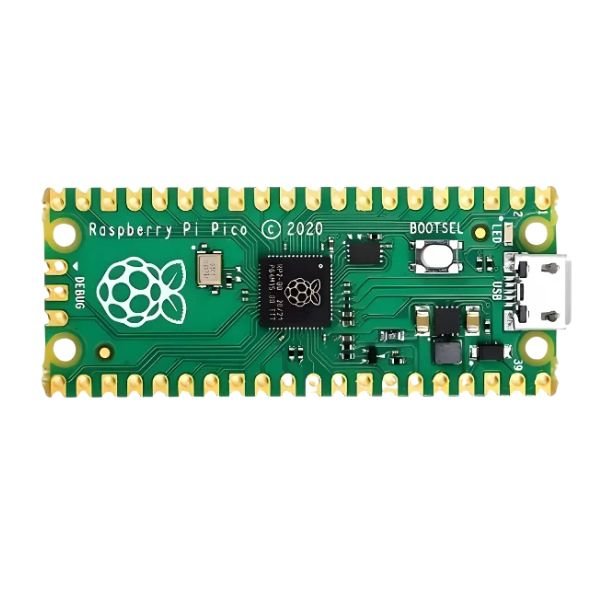
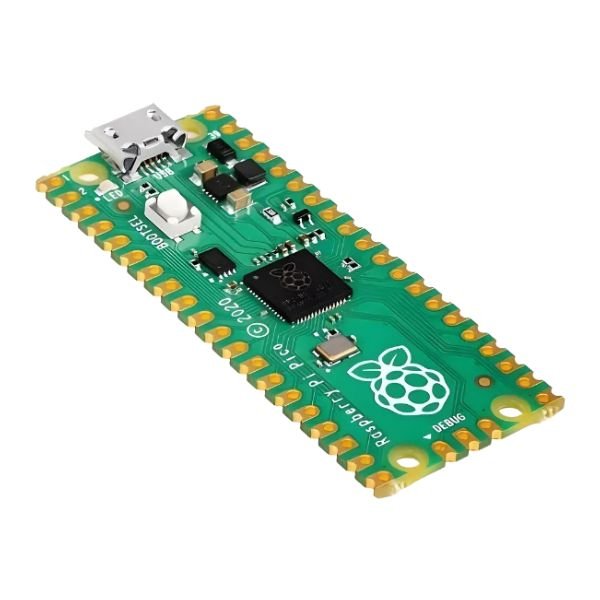
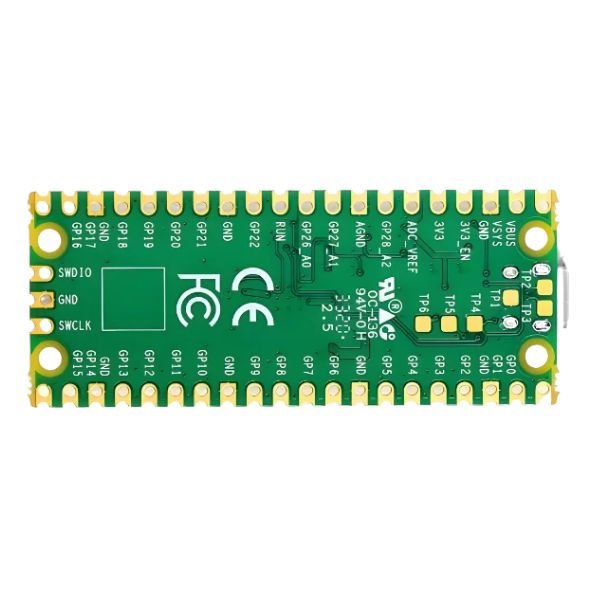
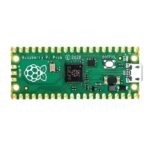
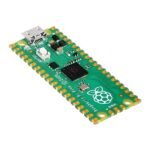
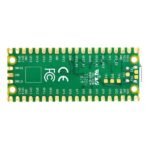



The Raspberry Pi Pico Board is a powerful yet affordable microcontroller built around the RP2040 dual-core ARM Cortex-M0+ processor. With 2MB of onboard Flash memory and 264KB of SRAM, it offers smooth performance for coding, control systems, and embedded applications. This unsoldered-pin version provides flexibility for prototyping and custom connections. Ideal for beginners and advanced makers, the Raspberry Pi Pico Board delivers fast processing, low power consumption, and versatile GPIO support. From robotics to automation, this board from StemVolt is a reliable and budget-friendly choice for engineers, students, and DIY enthusiasts.
Related Keywords:
-
Raspberry Pi Pico W Board
-
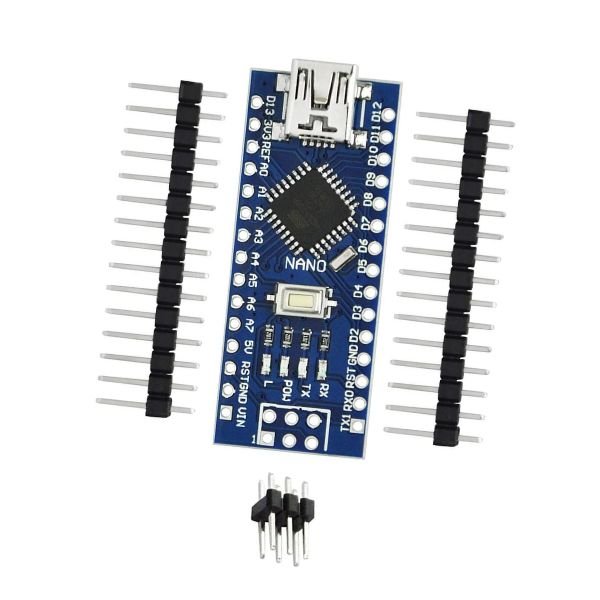
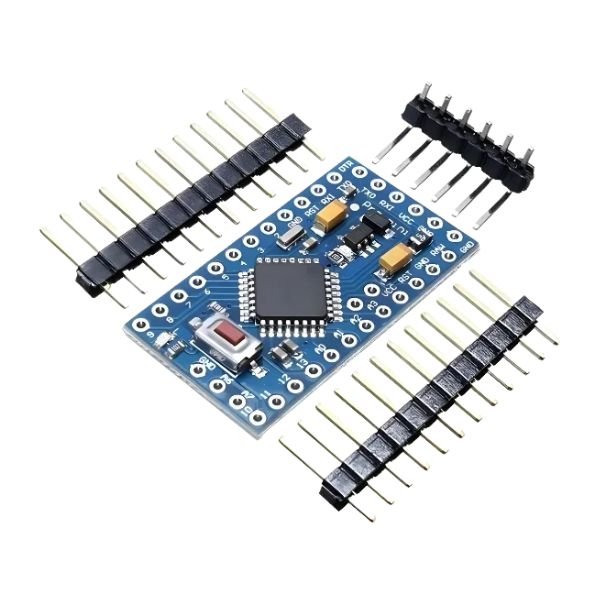
Arduino Nano Development Board
Applications:
-
Perfect for embedded systems and automation projects
-
Ideal for robotics and sensor-based applications
-
Used for electronics and coding education in schools and colleges
-
Great for DIY makers building IoT and control devices
Specifications:
| Parameter | Details |
|---|---|
| Chip | RP2040 |
| Processor | Dual-core ARM Cortex-M0+ |
| Flash Memory | Onboard 2MB |
| SRAM | 264KB |
| GPIO Pins | 26 |
| Dimensions | 5 × 2 × 1 cm |
| Weight | 5 grams |
| Brand | Raspberry Pi |
| Operating Voltage | 3.3V |
| USB Interface | Micro-USB for power and programming |
Features:
-
Dual-core ARM Cortex-M0+ processor for fast performance
-
Unsoldered pins for flexible custom connections
-
Compatible with MicroPython and C/C++ programming
-
Low power consumption for battery-powered projects
-
Original Raspberry Pi product, tested for quality and reliability
Package Includes:
-
1 × Raspberry Pi Pico Board – Unsoldered Pins
FAQ:
Q1. What is the Raspberry Pi Pico Board used for?
A1. It’s used for coding, automation, and robotics projects that require a small and efficient microcontroller.
Q2. Does this version come with soldered pins?
A2. No, this is the unsoldered version, which allows flexible pin configuration and customization.
Q3. Which programming languages can I use with this board?
A3. You can program it using MicroPython or C/C++ through the official Raspberry Pi development tools

Reviews
Clear filtersThere are no reviews yet.