














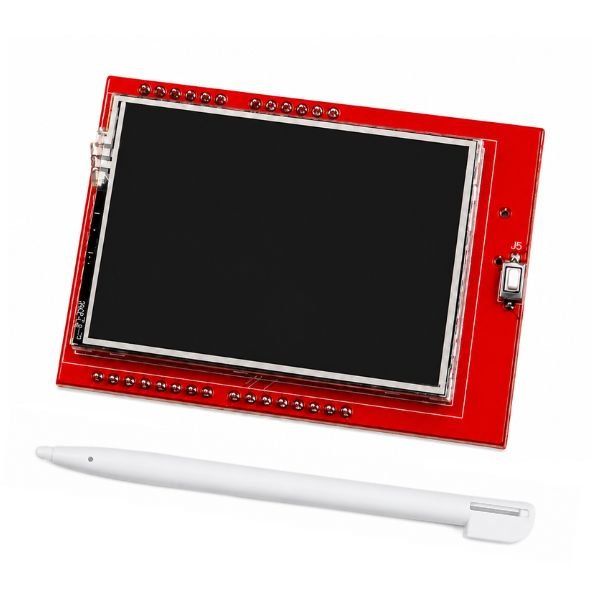
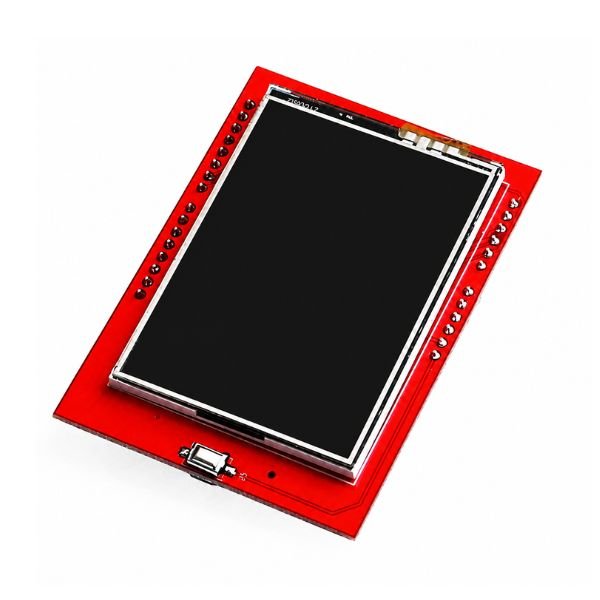
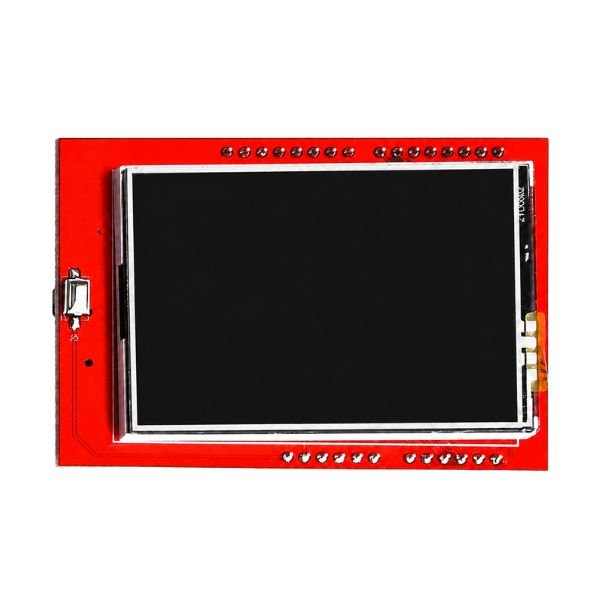
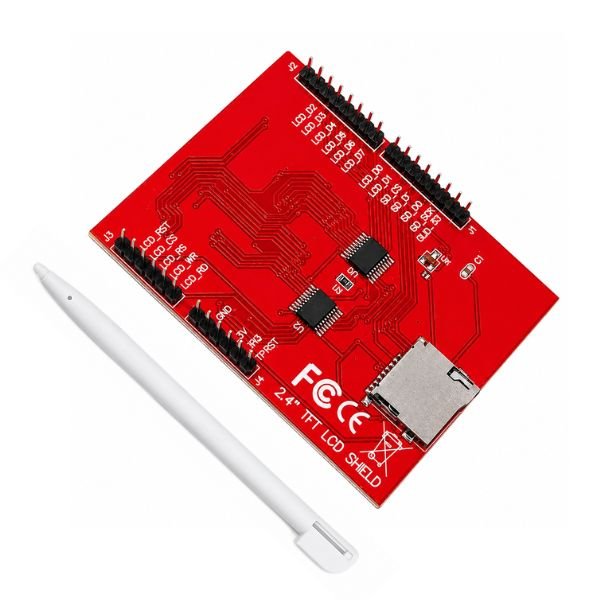
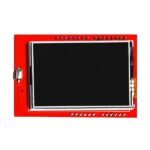
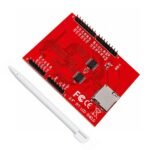



The 2.4 Inch TFT LCD Touch Display Shield for Arduino is a full-colour touchscreen shield with a 240 x 320 pixel TFT LCD and a resistive touch panel, designed to plug directly onto the Arduino UNO or Mega standard shield headers at 5V without any external wiring. The tft touch screen display renders text, filled shapes, bitmap images, and real-time sensor values in 16-bit colour, making it the most accessible way to add a graphical user interface to arduino uno projects without a separate display driver board or custom PCB.
The arduino uno shield board format means the touch screen display shield occupies the full set of Arduino headers — digital, analog, and power pins are all consumed by the display. Pins not used by the TFT driver remain accessible through the shield’s pass-through headers if the specific shield variant includes them. The resistive touch panel requires calibration before accurate touch coordinate reading — the Adafruit TFTLCD and TouchScreen libraries handle both display rendering and touch input for this shield type and are freely available in the Arduino Library Manager. the 2.4 tft lcd display shield price advantage comes with a note on speed — the parallel bus interface used by this shield is slower than SPI-based displays at the same resolution, which limits maximum achievable frame rate for animation-heavy applications.
The non-obvious detail about resistive touch panels on this size display is that they require a physical press to register a touch — the panel does not respond to a light hover or gentle tap the way capacitive screens do, making it more reliable with a stylus for precise coordinate selection. Available from StemVolt, this unit is suitable for engineers working on Arduino display and user interface electronics projects.
Related Products:
- Checkout 1.8 Inch TFT LCD Display Module
Features:
- 2.4-inch TFT LCD renders full 16-bit colour text shapes and images
- 240 x 320 pixel resolution suits sensor dashboards and menu interfaces
- Resistive touch panel accepts finger and stylus press for input
- Arduino Uno Mega standard header plug-on requires no external wiring
- Compatible with Adafruit TFTLCD and TouchScreen libraries in Arduino IDE
Technical Specifications:
| Specification | Details |
|---|---|
| Display Type | TFT (Thin Film Transistor) LCD |
| Display Module | LCD with Resistive Touch Panel |
| Screen Size | 2.4 Inches |
| Resolution | 240 × 320 Pixels |
| Supply Voltage | 5 V |
| Compatible Boards | Arduino UNO, Mega |
Applications:
- 2.4 Inch TFT Touch Shield used for Arduino sensor data dashboard display
- College project uses tft touch screen display for Arduino menu UI build
- Touch calculator project uses 2.4 inch tft display shield for number input
- Arduino uno shield board project uses TFT for real-time temperature graph
- Smart home panel uses touch screen display shield for relay control UI
Package Includes:
-
1 x 2.4 Inch TFT LCD Touch Display Shield for Arduino


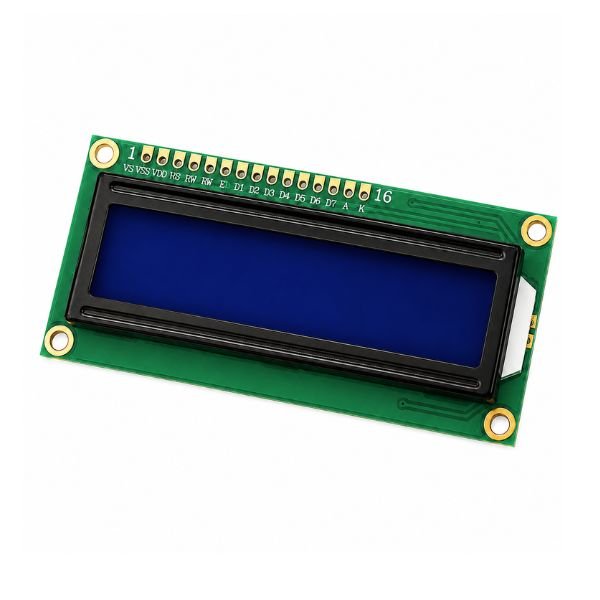
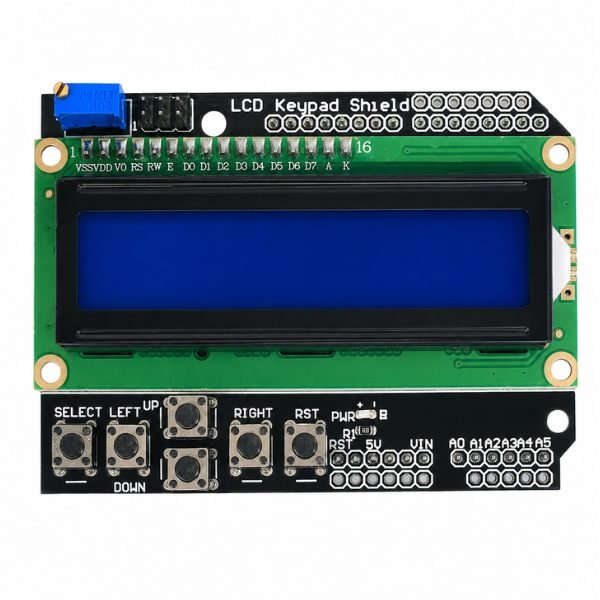
Pradeep Nama –
Integrated resistive touch display provides smooth real-time interaction and responsive touch control for embedded applications
Prakhar Bhandari –
Genuine quality display
Akash Verma –
Will order again
Arshad Khan –
Perfect for Arduino projects
Varun Saxena –
Direct plug-on shield compatible with Arduino UNO, making setup simple for engineering projects and portable system development