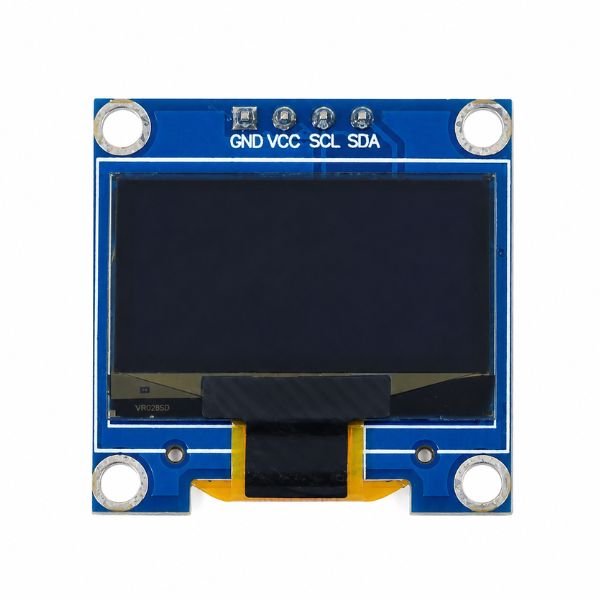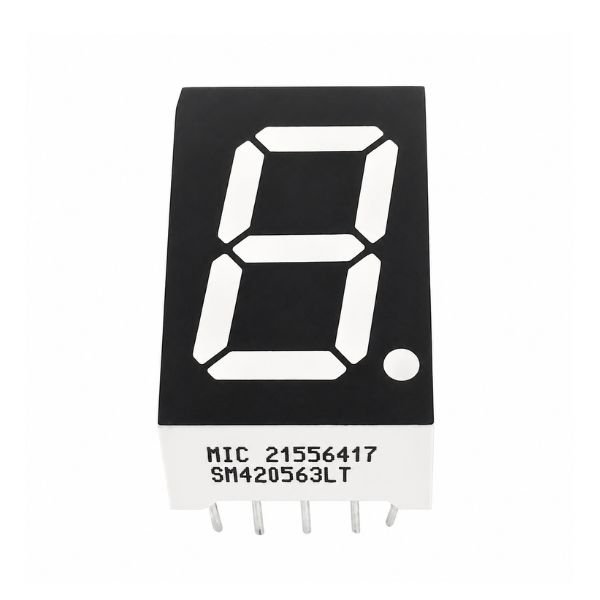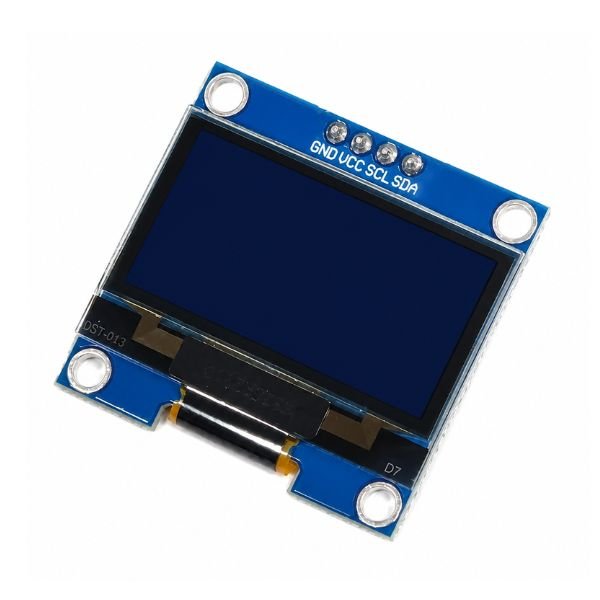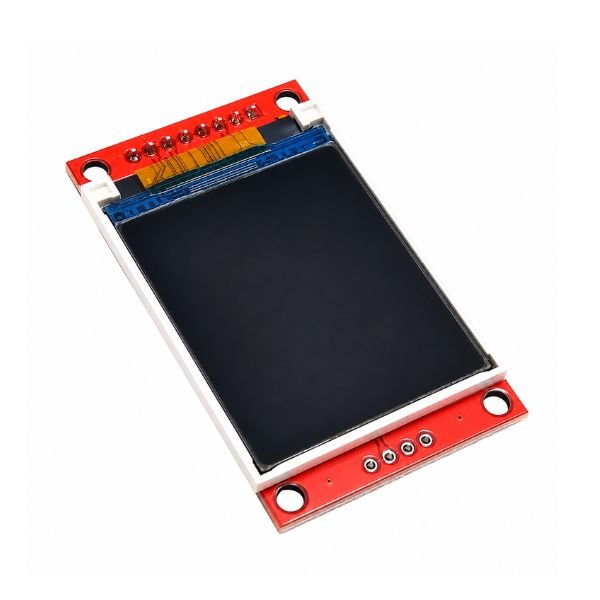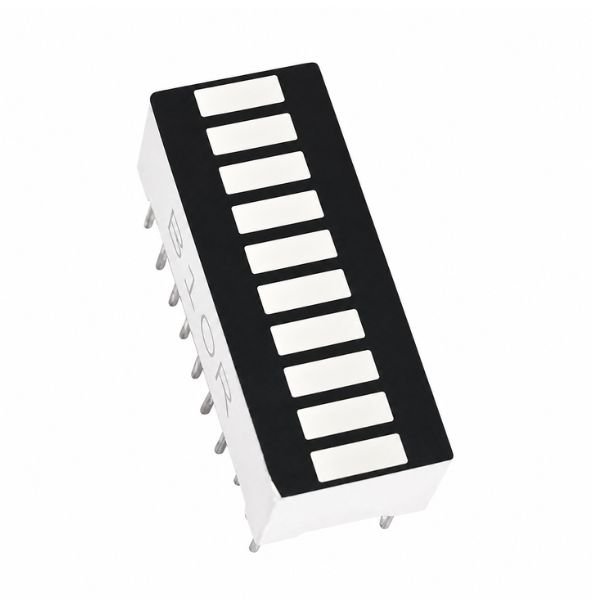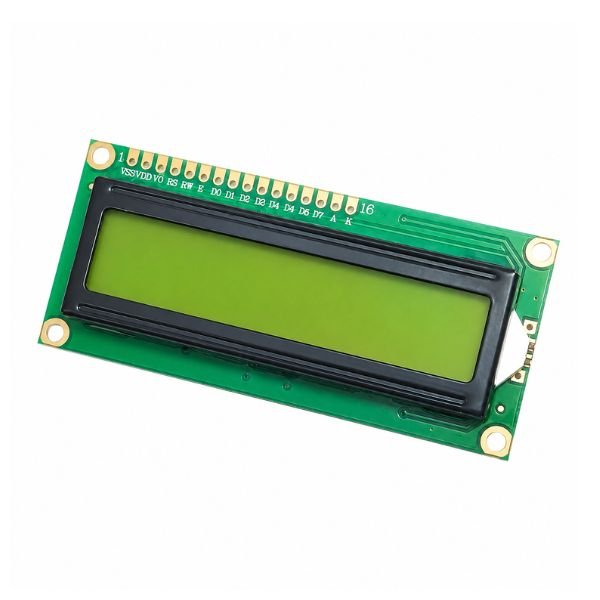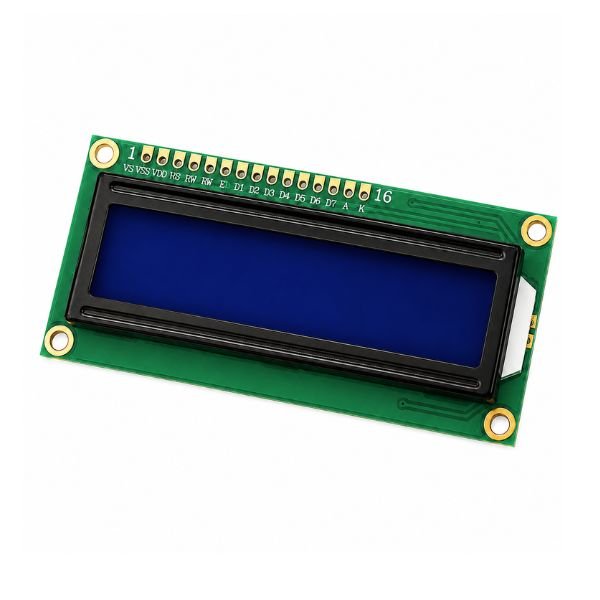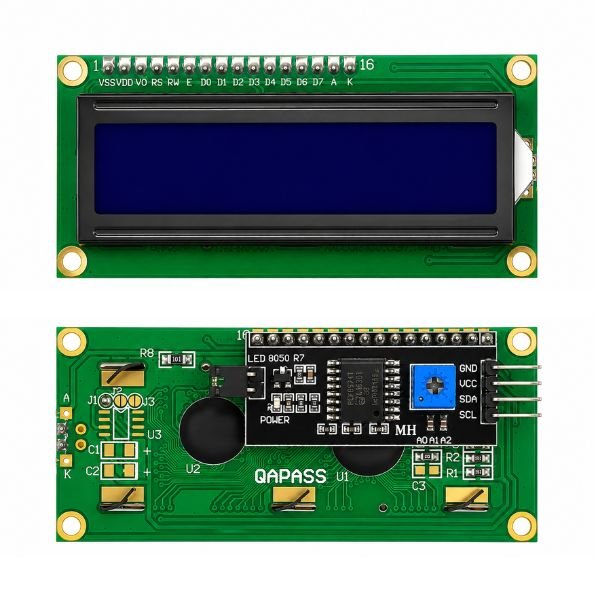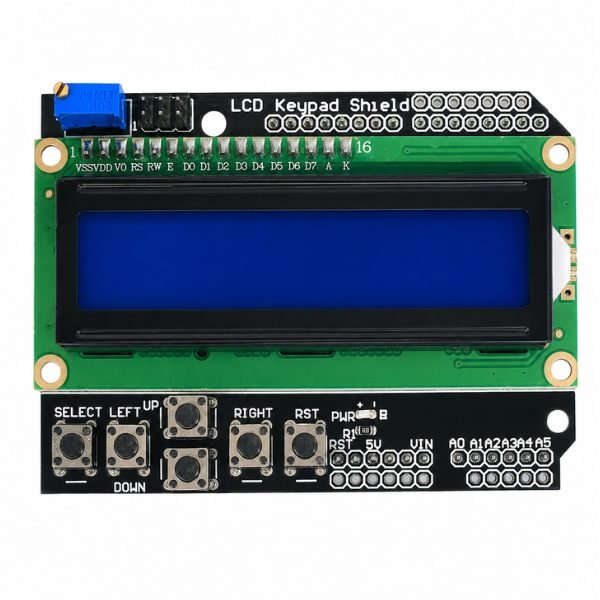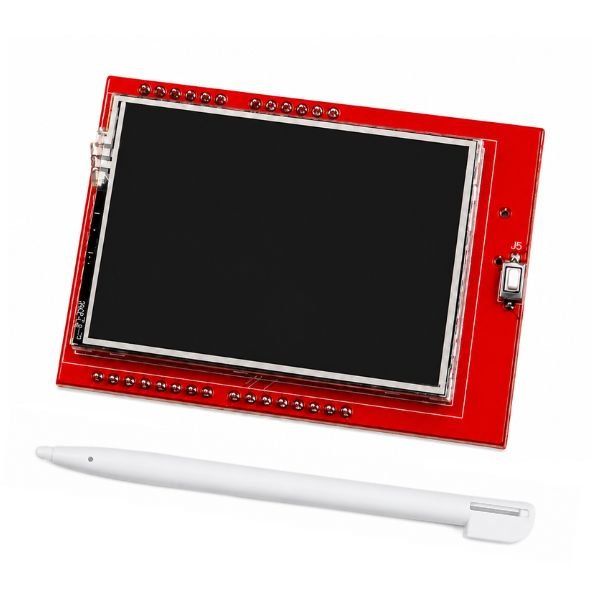







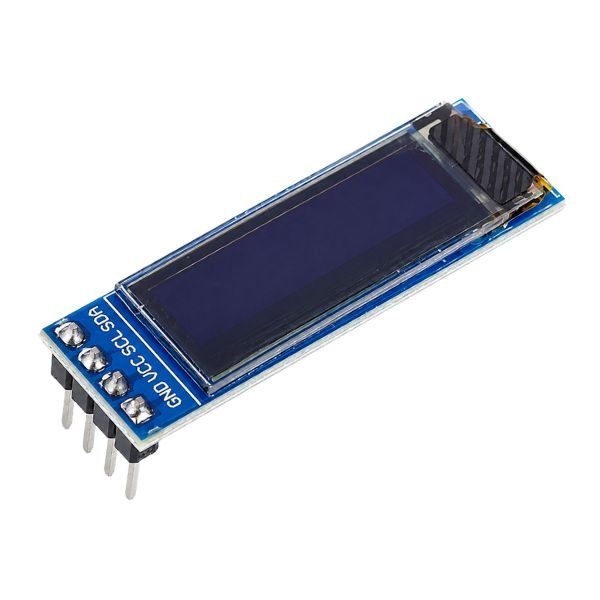
Display Modules are output components that show  data, readings, and status information visually in any electronics project. This category covers LCD modules, OLED display modules, TFT screen modules, dot matrix displays, 7 segment displays, and LED display modules — all compatible with Arduino, ESP32, and Raspberry Pi. Whether you need a 16×2 LCD for a basic readout or a 2.4 inch TFT display for a  graphical interface, everything is here. Prices include GST and most orders ship within 12 hours.

Display Modules

0.96 Inch I2C/IIC 4-Pin OLED Display Module

In stock

Original price was: ₹170.00.Current price is: ₹159.00.
SKU: DPM-DY019

1602 LCD Display Module Green

In stock

Original price was: ₹100.00.Current price is: ₹95.00.
SKU: DPM-DY020

1602 LCD Display with Blue Backlight

Out of stock

99.00
SKU: DPM-DY015

Buy Display Modules Online in India | StemVolt

What are Display Modules?

Display Modules are electronic devices that connect to a microcontroller and show numbers, text, graphics, or sensor readings on a screen. They get data through communication protocols like I2C, SPI, or parallel interface and then display it. One common project for Indian college students is to use an Arduino and a 16x2 LCD module to show real-time temperature and humidity sensor readings on a two-line character screen.

Types of Display Modules and How They Work

There are different kinds of display modules, depending on the technology and the use. Character LCD modules, like the 16x2 LCD, use a controller chip to show text and numbers in fixed character grids. They are easy to use and widely available at a low price. OLED display modules are thin, high-contrast screens that work over I2C and are great for small, portable projects. TFT screen modules can show full-color graphics and respond to touch. The 2.4-inch TFT display is often used for sensor dashboards and graphical menus. The TM1637 and MAX7219 are examples of seven-segment and dot-matrix display modules that are good at showing numbers and scrolling text for things like clocks, counters, and scoreboards.

Parameter LCD Module OLED Module TFT Display
Color Mono/Blue Mono Full Color
Interface I2C / Parallel I2C / SPI SPI
Best Use Text Output Compact Builds Graphics, Touch
Difficulty Beginner Beginner Intermediate

Display Modules Available at StemVolt

Applications of Display Modules

Display modules bring data to life in almost every type of electronics project. In school and college science projects across India, LCD modules show live sensor values from temperature, humidity, and ultrasonic sensors on a readable screen. Makers use OLED display modules in compact wearable builds and portable measurement tools where a small high-contrast screen fits perfectly. TFT screen modules power graphical user interfaces in home automation control panels and IoT dashboards. Seven segment LED display modules are used in digital clocks, scoreboard counters, and frequency meters. Dot matrix displays add scrolling text capability to information boards and display systems in embedded development projects.

Discover More in Robotics & Electronics

How to Choose the Right Display Modules

Choose the right display type for the output you need for your project. If you only need to display text and numbers, a 16x2 LCD module with I2C is the easiest way to get started. You only need two wires to connect it to an Arduino. If you want to show graphics or menus, a TFT screen module with an SPI interface is the best choice. When space is limited and color is not as important as contrast, OLED display modules work best. Before you order, always make sure that the display's communication protocol works with the pins on your microcontroller. One useful tip is to use the I2C version of LCD modules whenever you can. This will free up most of your Arduino digital pins for other sensors and parts.

Why Buy Display Modules from StemVolt

StemVolt stocks a tested range of display modules at GST-included prices across India. Orders ship within 12 hours with  live tracking pan-India. COD is available on orders up to ₹5000 for added convenience. All products are quality verified and the support team is ready to help with any compatibility or wiring query.

Frequently Asked Questions

1. What is the difference between an LCD module and an OLED display module?

LCD modules use a backlit liquid crystal panel to show numbers and letters. They are cheap and easy to use, but they need more pins or an I2C adapter. OLED display modules are self-lit, have better contrast, and sharper text, but they are a little more expensive. The 16x2 LCD with I2C is the easier choice for first builds. OLED is better for projects where size and visibility are more important.

2. Which display module is best for showing sensor data on Arduino?

The 16x2 LCD Display Module with I2C is the easiest way for beginners to see sensor readings. It only needs two wires to connect to Arduino and shows two lines of text clearly. A TFT screen module has more screen space and color output, which makes it better for showing multiple sensor values or graphical data. When you only need to show a number, like the time or temperature, the TM1637 4-Digit LED Display Module is perfect.

3. Are these display modules compatible with ESP32 and Raspberry Pi?

Yes. Most of the display modules here can talk to Arduino Uno, Nano, ESP32, and Raspberry Pi using the I2C and SPI communication protocols. There are good libraries for the ESP32 for the 16x2 LCD, I2C, OLED, and TFT displays. Always check the voltage that the display needs to work. Most displays work at 3.3V or 5V, and the product pages clearly list the voltage range that the display can handle.

4. Can I use a display module without prior coding experience?

Yes. Most display modules come with ready-made Arduino libraries that handle all the complex display commands. For a 16x2 LCD with I2C, just install the LiquidCrystal_I2C library and a few lines of code show text on screen. OLED modules use the Adafruit SSD1306 library which has clear example sketches to start with. Most beginners get their first display working within 30 minutes of setup.

5. Can I use multiple display modules in the same Arduino project?

Yes. As long as each I2C display module, like the 16x2 LCD and OLED, has its own I2C address, they can all use the same two-wire I2C bus. You can change the default address on some modules by soldering address pads to them. TFT modules and other SPI displays need their own chip select pins. To avoid address conflicts, make sure to check the I2C address of each module before putting them all together in one project..