
Buy ESP Boards Online in India

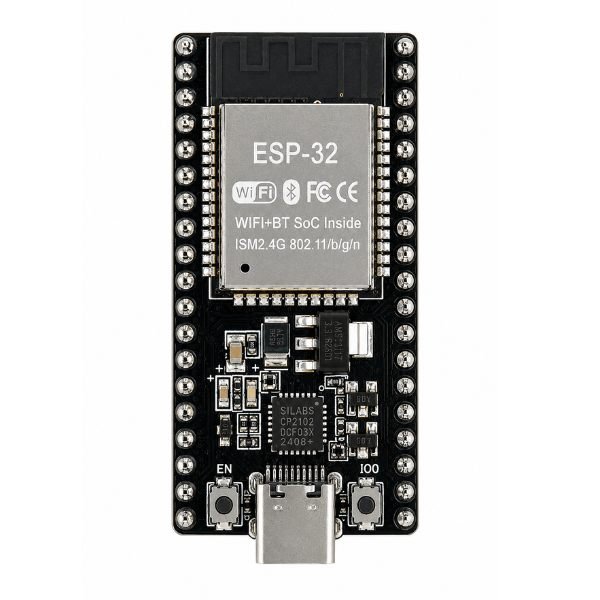
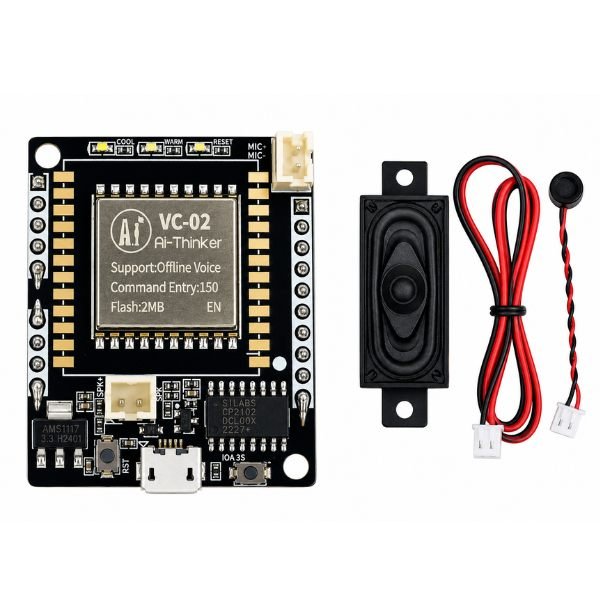
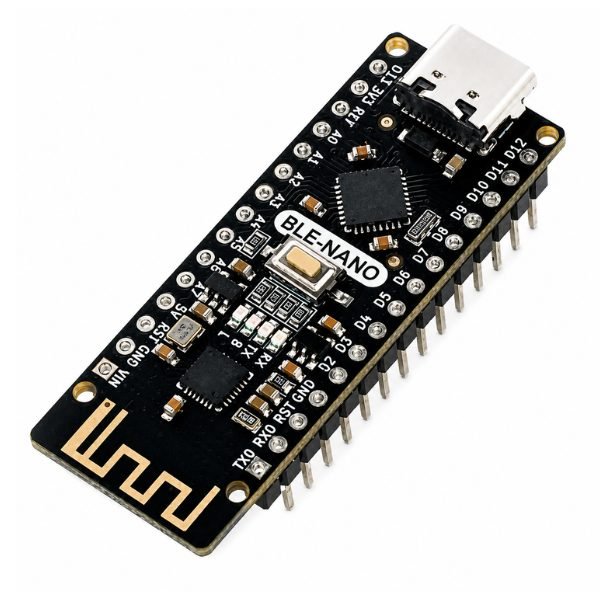
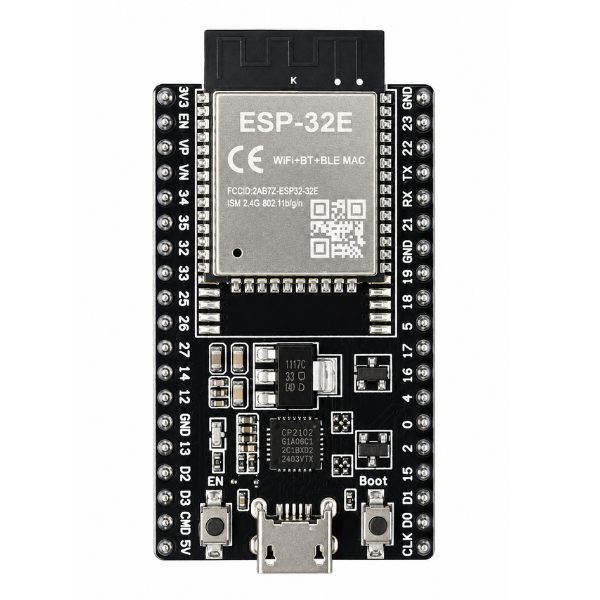
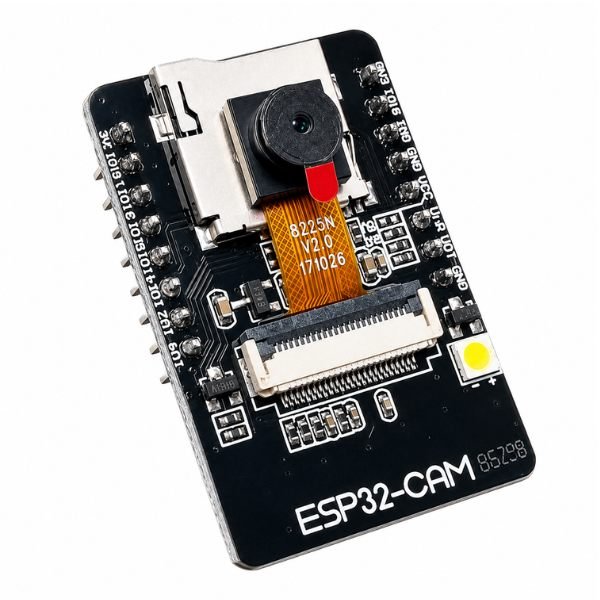
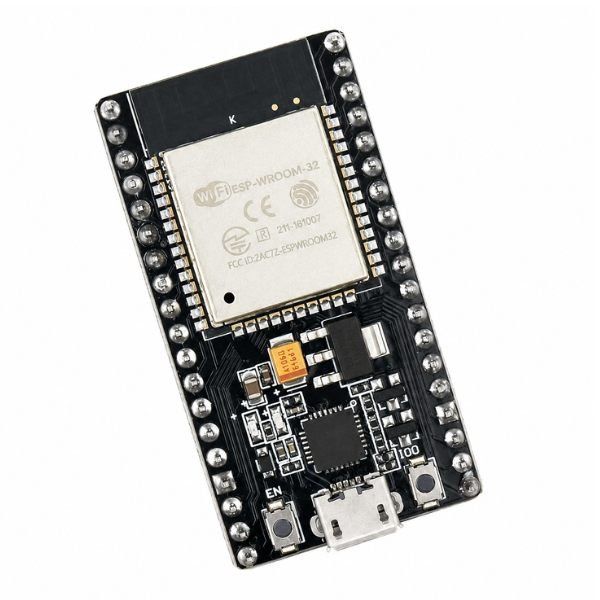
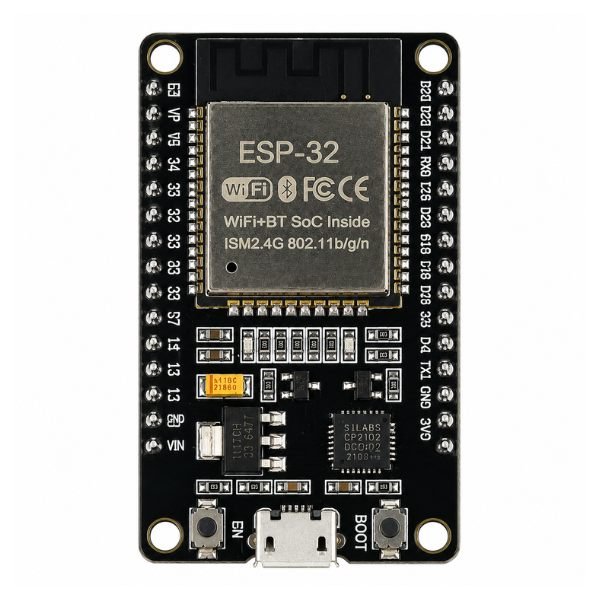
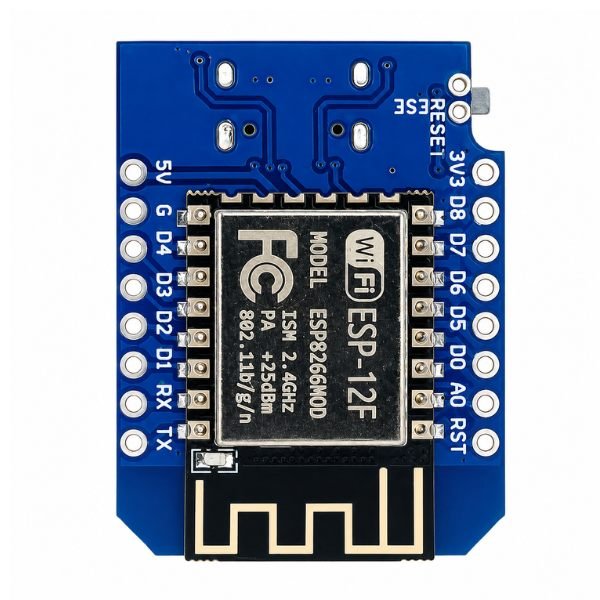
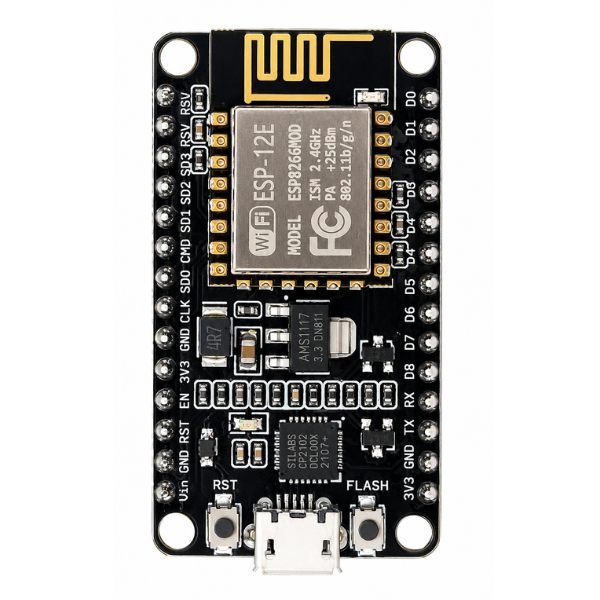
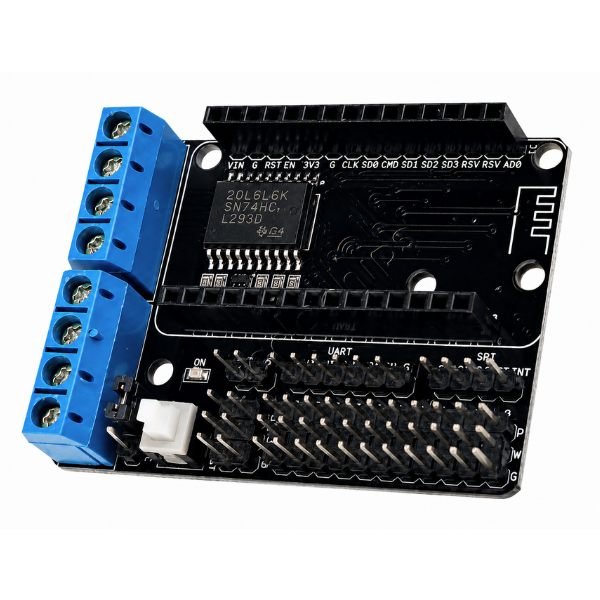
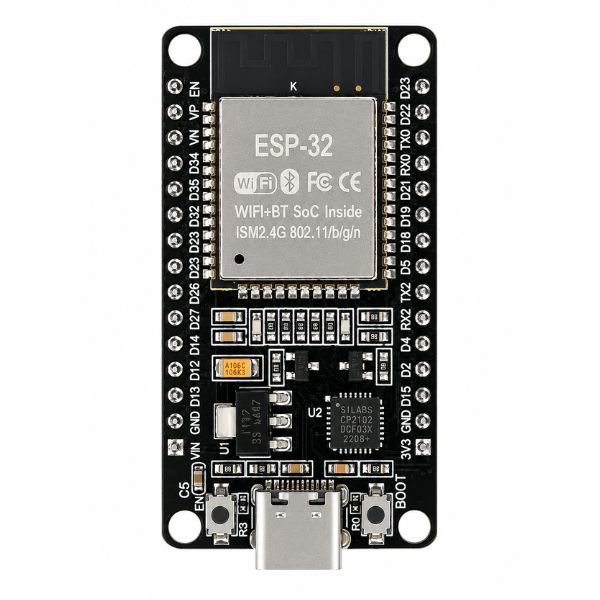
ESP Boards are WiFi and Bluetooth enabled development boards built on Espressif’s ESP32 and ESP8266 microcontrollers. These boards power IoT projects, wireless sensor networks, and home automation systems across India. From NodeMCU boards to compact ESP32 C3 modules, everything ships fast. Best price guaranteed with fast delivery across India.

What are ESP Boards?

ESP Boards are microcontroller development boards from Espressif Systems with built-in WiFi and Bluetooth on a single chip. The ESP32 espressif chip runs at up to 240MHz with dual cores, while ESP8266 handles simpler single-core WiFi tasks. A typical example in Indian IoT college projects is using a NodeMCU board to send live sensor readings to a cloud platform over WiFi without any extra wireless module.

ESP Boards Available at StemVolt

How to Choose the Right ESP Boards

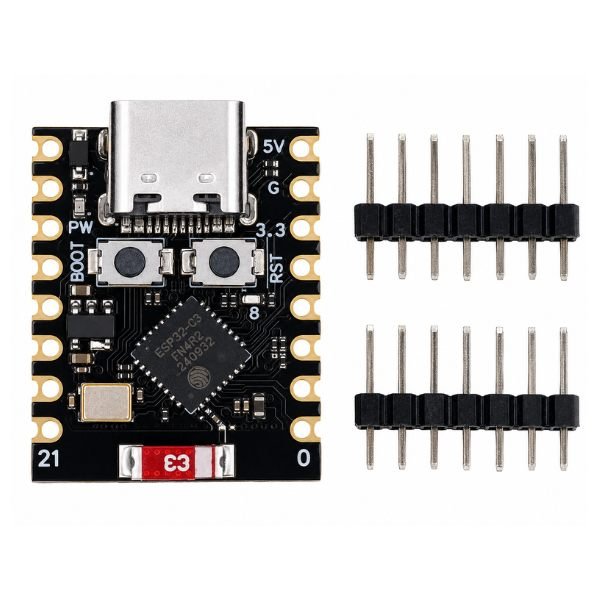
First, figure out if your project needs WiFi only or WiFi and Bluetooth. The ESP8266 NodeMCU is the easier and less power-hungry choice for basic IoT sensor builds and cloud logging. If your project needs Bluetooth, more GPIO pins, or faster processing, the ESP32 is the best choice. When board size is more important than pin count, the ESP32-C3 Super Mini works. One useful tip: Always check the GPIO current limit before connecting more than one sensor directly to the ESP board pins. If you go over 12mA per pin, you could permanently damage the chip.

Why Buy ESP Boards from StemVolt

StemVolt is a trusted electronics store in Kota, Rajasthan. Every product is genuine and quality tested. Best price guaranteed, fast shipping across India and easy returns on every purchase.

FAQ SECTION

Frequently Asked Questions

1. What is the difference between ESP32 and ESP8266?

ESP8266 is a single-core processor with WiFi only — suited for simple IoT builds like sensor data logging and basic web servers. ESP32 is a dual-core processor running up to 240MHz with both WiFi and Bluetooth, more GPIO pins, touch inputs, and hardware encryption support. For most beginner IoT projects, ESP8266 is sufficient. For advanced builds needing Bluetooth or parallel processing, ESP32 is the better pick.

2. Can a beginner use ESP boards without prior electronics experience?

Yes. ESP boards are fully supported in the Arduino IDE making them familiar for anyone who has used Arduino before. The NodeMCU board in particular has thousands of free tutorials in Hindi and English covering everything from basic LED control to full home automation systems. Starting with a simple WiFi LED control project over a smartphone browser is the easiest first build for any beginner.

3. Do standard Arduino libraries and sensors work with ESP boards?

Most standard Arduino libraries can be used with ESP32 and ESP8266 with little or no changes. I2C, SPI, and UART sensors can connect directly to ESP board pins. Keep in mind that ESP boards use 3.3V logic. If your sensor sends out 5V signals, you will need a logic level converter before you can connect it. Before you start building, make sure that the library you want to use works with your Arduino IDE library manager or the library's GitHub page.

4. Is it possible to use Bluetooth and WiFi at the same time on ESP32 boards?

Yes, the ESP32's dual-mode radio lets it use both WiFi and Bluetooth at the same time. This means that it can handle both wireless protocols at the same time. For example, it can get commands from a phone over Bluetooth while sending sensor data to a cloud server over WiFi. If you need both Bluetooth and Wi-Fi, you should choose the ESP32 because the ESP8266 only works with Wi-Fi.

5. How do I get the Arduino IDE to work with the ESP32 or ESP8266 board?

Open the Arduino IDE and choose Preferences from the File menu. Add the link to the Espressif ESP32 or ESP8266 board manager in the extra boards manager URL field. To install ESP32 or ESP8266, open Tools, then Board Manager, and click Install. After the installation is complete, go to the Tools menu and choose your board. Then, set the right upload speed and COM port. For CH340-based boards on Windows, install the CH340 USB driver first before connecting.