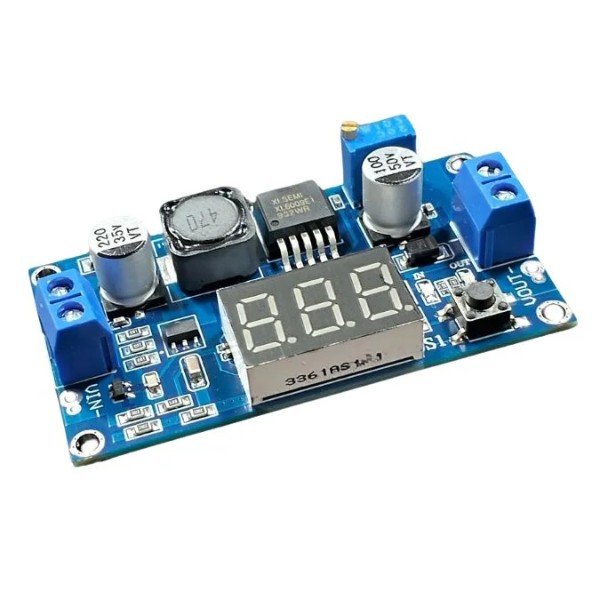





The Power and Charging Modules control, change, and handle electrical power in battery builds and embedded systems. These power management tools include step-up boost modules, wireless charging boards, fast charging modules, and power supply modules for Arduino. We promise the best price and fast delivery all over India.
Showing 1–12 of 23 results
Filter by price
Power & Charging Modules
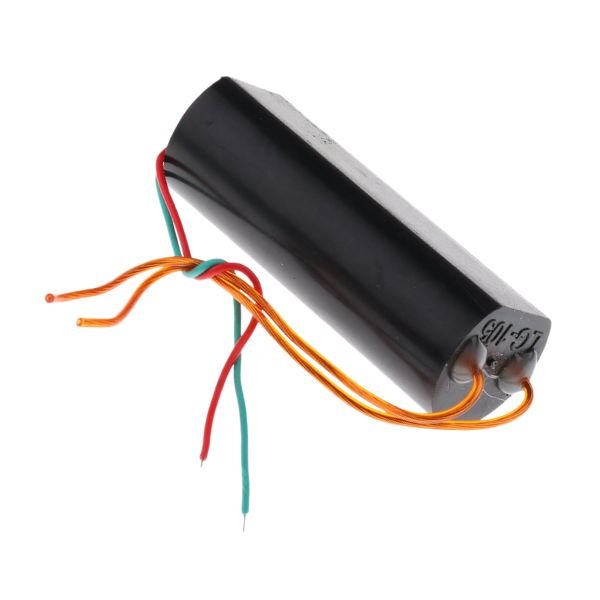
1000 KV High Voltage Booster Module
In stock
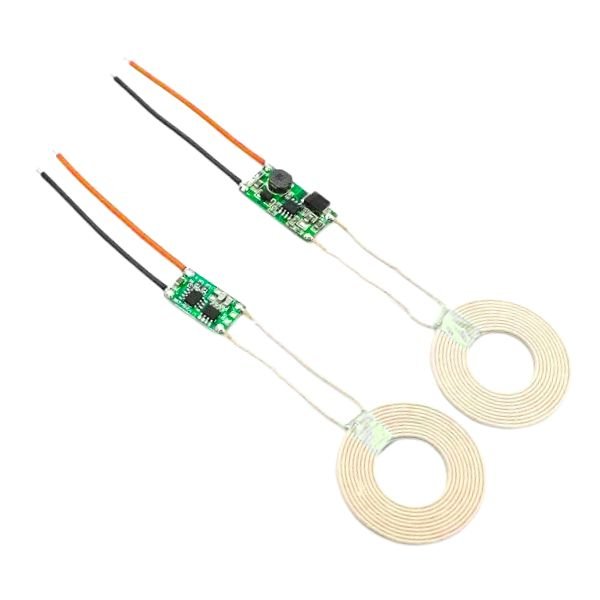
5V 2A Wireless Power Supply Transmitter Receiver Charging Module With Coil
In stock
What are Power and Charging Modules?
The Power and Charging Modules are compact boards that convert, regulate, and distribute electrical power between batteries, microcontrollers, and loads in embedded builds. A dc to dc converter board takes an input voltage and outputs a different voltage without using a transformer. Charging modules manage the safe charging of lithium batteries from USB or DC input. A common example in Indian robotics projects is using a step-up dc to dc converter to boost a 3.7V LiPo cell to 5V for powering an Arduino from a single battery cell.
Power and Charging Modules Available at StemVolt
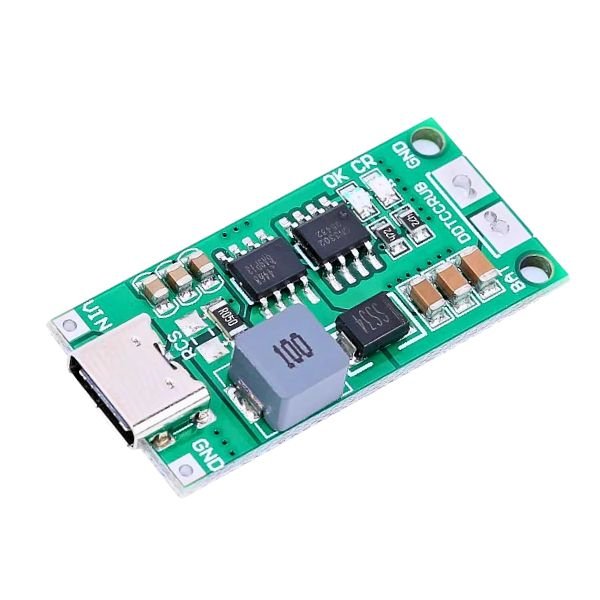
- 2S-2A Boost Lithium Battery Charger Module — Step-up charging module for charging two lithium cells simultaneously with balancing protection
- 5V Wireless Charging Module with Coil — Qi-compatible wireless power supply transmitter and receiver module for cordless charging builds
- XL6009 DC to DC Boost Converter Board — Adjustable dc to dc converter step up module for voltage boosting in portable project builds
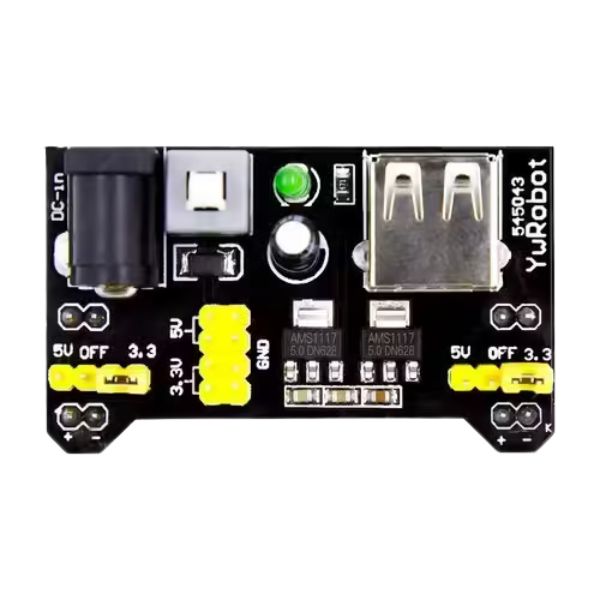
- LM2596 Buck Converter Module — Adjustable step-down power supply module for arduino with output from 1.5V to 35V
- TP4056 Fast Charging Module — Type-C USB fast charging module with overcharge and over-discharge protection for single cell LiPo builds
- Also explore: Lithium-Ion Batteries – 18650 and Packs
- Also explore: Battery Holders and Accessories
- Also explore: Arduino Compatible Boards
- Also explore: Relay Modules – 5V, 12V Relay Boards
How to Choose the Right Power and Charging Modules
Choose based on whether you need to step voltage up, step it down, or charge a battery. A buck converter steps voltage down efficiently from higher to lower levels. A boost converter steps voltage up from lower to higher levels. For battery-powered Arduino builds needing 5V from a single LiPo, a boost module is the right choice. One practical tip: always set the output voltage of an adjustable dc to dc converter board with a multimeter before connecting it to your microcontroller, as default factory settings may differ from the required output voltage and damage the board.
FAQ SECTION
Frequently Asked Questions
1. How does a buck converter work and when should I use it? A buck converter steps voltage down by rapidly switching a transistor on and off and storing energy in an inductor. Average output voltage is lower than input. Use a buck converter when your input voltage is higher than what your load needs, such as stepping 12V down to 5V for Arduino or other logic circuits.
2. How does a boost converter work and when should I use it? A boost converter steps voltage up by rapidly switching a transistor and using an inductor to generate a higher output voltage than the input. Use a boost converter when your battery voltage is lower than your load requirement, such as boosting a single 3.7V LiPo cell to 5V for powering an Arduino or ESP32.
3. What are the main types of buck and boost modules available for Arduino projects? Common types include fixed output buck converters like LM2596 for stable 5V output, adjustable boost converters like XL6009 for variable output, and combined buck-boost modules that handle both step-up and step-down scenarios. For Arduino power supply module applications, a fixed 5V buck module is the simplest choice when powering from a 9V or 12V source.
4. Can I use a charging module to power an Arduino directly from a LiPo battery? A charging module alone only manages battery charging from USB or DC input. To power Arduino from a LiPo, add a separate boost converter that raises the 3.7V battery output to 5V. A combined charging plus boost module handles both functions in a single board and is the most compact solution for battery-powered Arduino builds in India.
5. How do I set the output voltage on an adjustable power module for my project? Connect the input voltage and use a multimeter on the output terminals. Turn the onboard potentiometer slowly with a small screwdriver while watching the multimeter reading. Adjust until the output matches your required voltage. Always do this adjustment before connecting any load or microcontroller to the module to prevent accidental over-voltage damage during the calibration step.